
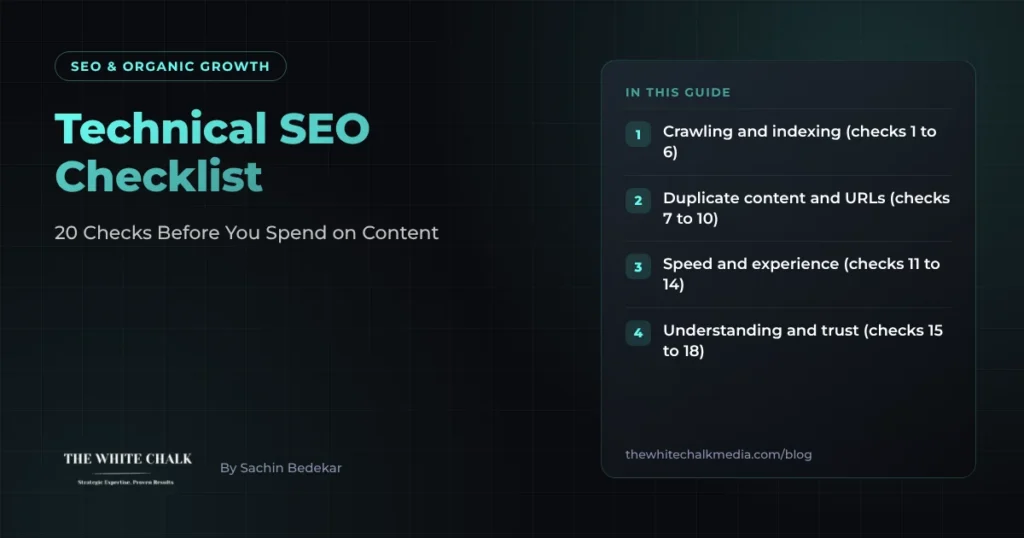
Technical SEO decides whether Google can find, crawl, understand and trust your pages. If any of that fails, new content will not rank however good it is. This checklist covers 20 checks in the order we run them on a new site.
Crawling and indexing (checks 1 to 6)
- Search Console is set up and verified for every version of the site, and you check the Pages report monthly.
- Important pages are indexed. Filter the Pages report by “Crawled, currently not indexed” and “Discovered, currently not indexed”.
- robots.txt does not block pages you want found, and lists your XML sitemap.
- The XML sitemap contains only live, indexable pages: no redirects, errors or noindexed URLs.
- No accidental noindex tags on templates such as blog posts or category pages.
- One version of the site. http, https, www and non-www all redirect to one address.
Duplicate content and URLs (checks 7 to 10)
- Every page has a self-referencing canonical tag, unless it is a deliberate duplicate.
- Query-string and filter URLs do not create thousands of indexable copies.
- Redirect chains are no longer than one hop, and old URLs redirect to their closest match, not the home page.
- No internal links point to redirects or broken pages.
Speed and experience (checks 11 to 14)
- Core Web Vitals pass on mobile in Search Console. Our Core Web Vitals service covers the usual fixes.
- Images are compressed and sized for the screen they show on.
- Third-party scripts are audited: chat widgets, trackers and plug-ins often slow pages most.
- The site works fully on mobile, including menus, forms and tables.
Understanding and trust (checks 15 to 18)
- Structured data matches the page: Organization, Article, Product, LocalBusiness or FAQ as relevant. See our glossary on schema markup.
- Each page has a unique title and meta description that describe it accurately.
- Authors and company details are visible: who wrote the page, who reviewed it, how to contact you.
- hreflang is set up if you run versions for different countries or languages, such as the UK and the UAE.
Internal links (checks 19 and 20)
- Every important page is linked from at least one other relevant page, not only from the sitemap. Orphan pages are often the ones that never get indexed.
- Menus and footers link to your key sections, such as services, industries and resources.
What to fix first
Start with checks 2, 4, 5 and 19. Pages that are not indexed or not linked cannot rank, so they cost you more than anything else on the list.
For ecommerce and local sites
Online stores have extra issues with filters, variants and out-of-stock products: see our ecommerce SEO checklist. Local businesses should add location pages and Google Business Profile work, covered in our guide to local SEO in Dubai.
Want it done for you?
Our technical SEO audit runs every check above and ranks the fixes by impact. Our glossary on technical SEO explains the terms.
Frequently asked questions
How often should I run a technical SEO audit?
Run a full audit once or twice a year and after any redesign or migration, and check Search Console’s Pages and Core Web Vitals reports monthly.
What is the most common technical SEO problem?
Pages that are not indexed, usually because they are thin, duplicated, blocked or not linked from anywhere else on the site.
Do I need a developer for technical SEO?
For many fixes, yes: templates, redirects, speed and structured data usually need developer time. An audit should say which fixes need a developer.
